
Download GDocBackup – backup Google Docs, Google Docs backup, document backup, offline access, Google account sync
Overview
GDocBackup is a dedicated mobile utility designed to streamline the process of backing up documents stored in Google Docs. Its primary purpose is to allow users to securely download and save their Google Docs files to a local device or designated folder, ensuring continued access even when internet connectivity is unavailable. This functionality is particularly valuable for professionals, students, and content creators who rely on cloud-based documents but require offline availability for presentations, travel, or workflow continuity.
The app solves a common pain point: the risk of losing access to critical documents due to connectivity issues, account disruptions, or cloud storage limitations. By enabling users to export their files in multiple formats, GDocBackup enhances data portability and long-term preservation. It is especially suited for individuals who manage large volumes of Google Docs and seek a reliable, low-effort method to maintain local copies.
Although the developer did not provide additional background details, the app’s longevity—first released in 2009—suggests a stable and well-tested solution. Its continued presence in the Android ecosystem indicates consistent functionality and user demand. GDocBackup operates as a niche but essential tool within the productivity category, filling a gap between cloud storage and offline accessibility.
Real-world use cases include researchers preparing fieldwork reports, educators compiling lesson plans, and remote workers managing documents across time zones. The app’s focus on simplicity and compatibility with Google’s ecosystem makes it a practical choice for users seeking dependable document backup without complex configurations.
Key Features & Functionality
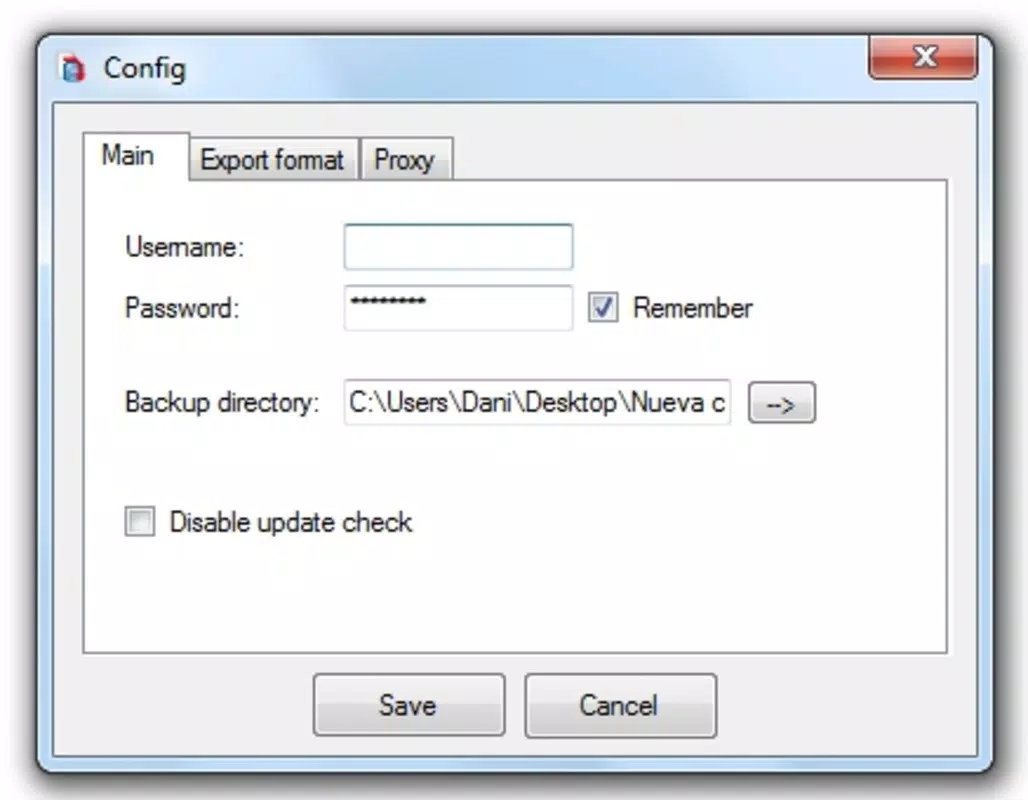
- Easy Setup: Users only need to authenticate with their Google account and select a local folder for downloads. This minimal setup reduces friction and makes the app accessible to users of all technical skill levels.
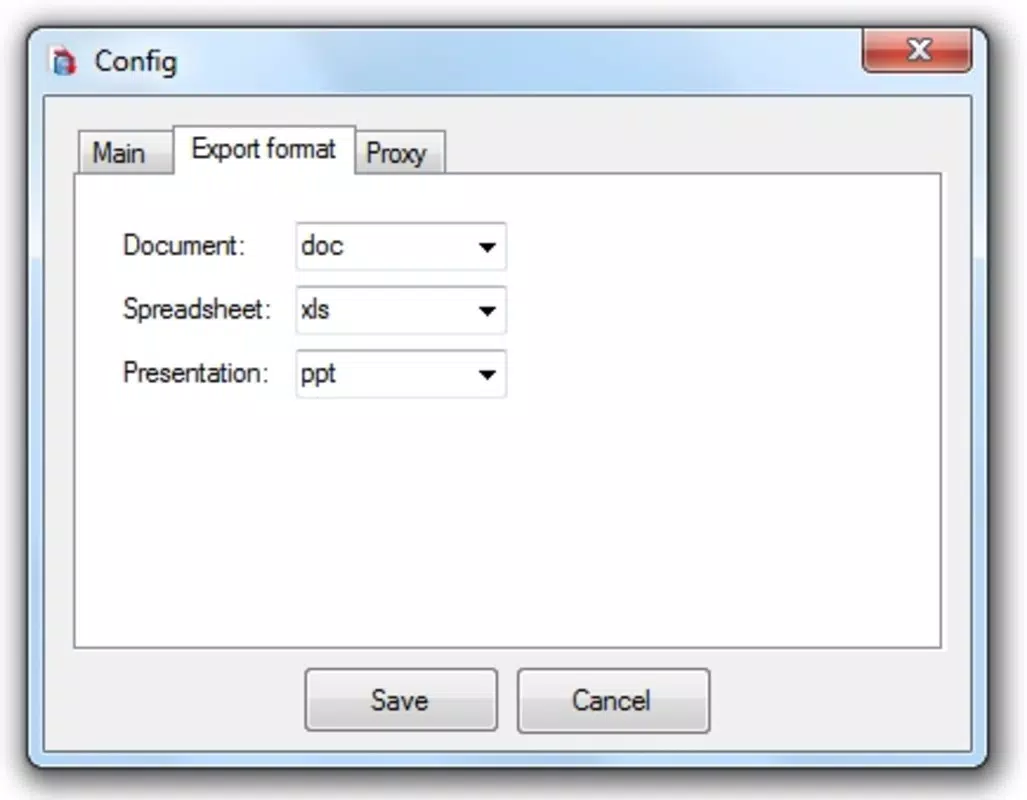
- Multiple Document Formats: Files can be exported in DOC, ODT, PDF, TXT, or RTF formats. This flexibility allows users to choose the best output for editing, sharing, or archiving purposes.
- Offline Accessibility: Once backed up, documents are available without internet access. This feature supports uninterrupted work during travel, in remote locations, or during network outages.
- Custom Backup Options: Users can define which documents to back up and how they are saved, including folder structure preservation and file naming preferences.
- User-Friendly Interface: The app’s intuitive layout ensures smooth navigation, with clear prompts and minimal onboarding steps, reducing the learning curve for new users.
For example, a teacher might use GDocBackup to download all lesson plans before a school trip, ensuring they can continue lesson preparation without relying on a stable connection. Similarly, a freelance writer could back up manuscripts in PDF format for secure sharing with clients.
Interface, UX & Performance
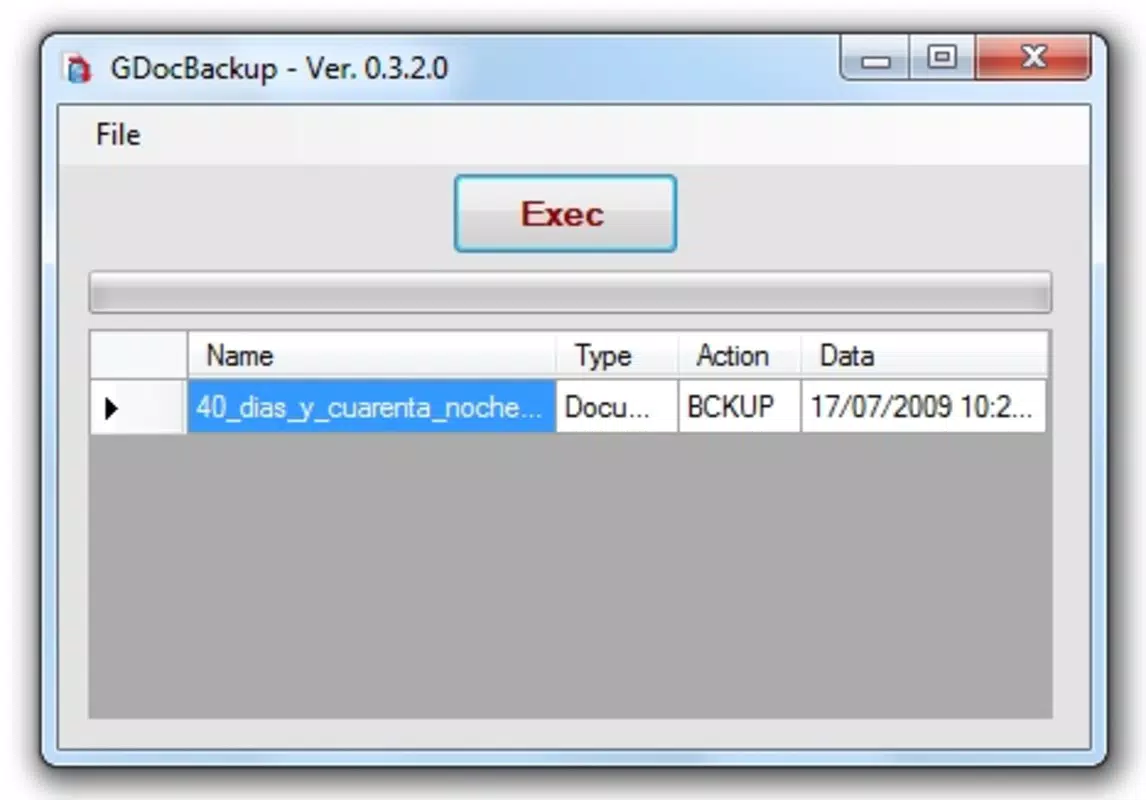
The interface of GDocBackup reflects a minimalist design philosophy, focusing on clarity and functionality. Navigation is linear and predictable, with core actions—authentication, folder selection, and backup initiation—placed in easily accessible locations. The layout avoids clutter, prioritizing essential controls and minimizing user decision fatigue.
Visual elements are consistent with standard Android UI guidelines, using neutral colors and legible typography. Buttons are clearly labeled, and progress indicators are visible during file downloads, helping users track backup status. The app maintains responsiveness across various device categories, including smartphones and tablets, although specific performance benchmarks were not disclosed.
Although the developer did not list formal performance metrics, the app’s lightweight nature—1.7MB in size—suggests efficient resource usage. It is expected to run smoothly on devices with moderate processing power and memory. Stability appears reliable, given the app’s long-standing presence in the Android market. However, no information was provided regarding background processing, battery impact, or update frequency.
Platform Compatibility & Technical Requirements
GDocBackup is available exclusively on the Android platform. The app is compatible with Android devices running the OS version specified in the latest release (version 2.5). The file size is 1.7MB, indicating a lightweight installation that requires minimal storage space.
The developer did not specify minimum OS requirements or device compatibility details. As such, users should ensure their device meets general Android standards for app installation. No additional permissions or hardware requirements were mentioned in the provided information.
Pros and Cons
- Simple setup with minimal user input
- Supports multiple file formats for flexible export
- Enables offline access to Google Docs files
- Lightweight and efficient resource usage
- Designed for ease of use across skill levels
- Developer did not provide detailed technical specifications
- Platform availability limited to Android only
- No information on update frequency or future development
- Compatibility with older Android versions not confirmed
- Support for advanced automation or scheduling not documented
FAQ
Is GDocBackup free to download and use?
Yes, GDocBackup is available at no cost. The app is listed as free in the provided information.
Can I use GDocBackup on iOS devices?
Based on the available data, GDocBackup is currently only available for Android. There is no indication of iOS support.
Does GDocBackup require internet access to function?
Internet access is required during the backup process to authenticate with Google and retrieve documents. However, once downloaded, files can be accessed offline.
What file formats does GDocBackup support?
The app supports DOC, ODT, PDF, TXT, and RTF formats, allowing users to choose the most suitable output for their needs.
How often can I update or back up my documents?
Specific update intervals or automation features were not listed. Users can initiate backups manually as needed.
Final Thoughts
GDocBackup stands out as a reliable, no-frills solution for users seeking to maintain local copies of their Google Docs. Its core strength lies in simplicity—requiring only Google account access and a folder selection to initiate backups. The support for multiple formats and offline access makes it a practical tool for professionals and students alike.
While it lacks advanced automation and modern UI enhancements, its lightweight design and proven track record make it a trustworthy choice for basic document backup needs. For users who prioritize functionality over features, GDocBackup delivers consistent value without unnecessary complexity.
Download GDocBackup now


